Most people back up their WordPress site once when they set it up, and then never again until something goes wrong. By which point the only recoverable copy is usually a three-month-old export sitting in a forgotten folder.
A good backup routine takes an hour to set up and runs itself from then on. This is the setup we recommend, based on real recovery jobs where clients had to rebuild sites after a bad plugin update or a hosting outage.
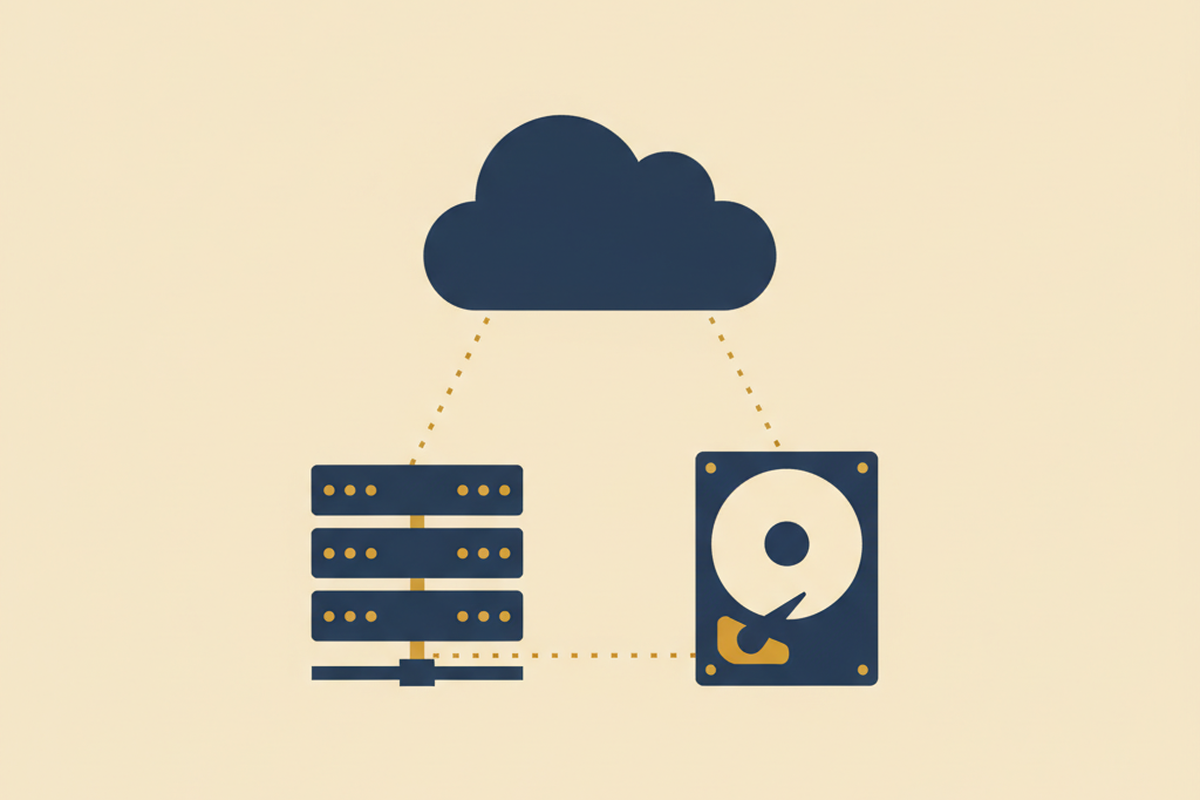
Why one backup is not enough
A single backup protects you against one thing: accidentally deleting a page. It does not protect you from a host going offline, a corrupted database, or a malware infection that sits in your backup file alongside the real data.
The 3-2-1 rule has been industry standard for decades because it protects against all three. Three copies means redundancy. Two formats means a single type of failure cannot destroy both. One off-site means a data-centre fire is not the end of your site.
Layer 1, hosting snapshots
Your host’s nightly snapshot is the easiest layer to set up because in most cases it is already running. Managed WordPress hosts take automated daily backups of the files and database and keep them on the same infrastructure.
The upside: instant restore, usually one click. The downside: if the host itself fails, this layer goes down with it. That is why it cannot be your only backup.
Layer 2, a backup plugin
A plugin-based backup runs inside WordPress itself and exports a full copy you can download. UpdraftPlus and BlogVault are the two most-used options in 2026.
Set the plugin to run weekly and send the archive directly to Google Drive, Dropbox, or Amazon S3. That ticks both the ‘second format’ and ‘off-site’ requirements of the 3-2-1 rule in one move.
Layer 3, an off-site copy
If layers 1 and 2 already push to cloud storage, you are done. If not, add a monthly manual export you store somewhere completely separate.
The test is simple: if your current host vanished tomorrow and your email address with it, could you still rebuild your site from the backup? If the answer is no, you need another copy somewhere else.
Database vs files vs full backup
Two kinds of data make up a WordPress site:
- Database: posts, pages, settings, users, plugin configuration. Small, changes often.
- Files: uploaded images, themes, plugin code, WordPress core. Bigger, changes rarely.
- A full backup bundles both. A database-only backup is smaller and faster, useful if you back up multiple times a day. Most plugins let you schedule the database more often than the files, which is the right trade-off.
Test the restore before you need it
This is the step everyone skips, and it is the step that separates a backup plan from an emergency.
Restore your site to a staging environment or a local development machine every few months. If the restore works, you have a real backup. If it does not, you just have a pile of archives that might not be readable when it counts.
How it works on managed WordPress hosting
On HostPoco’s managed plans, layers 1 and 2 are included. Daily snapshots are taken automatically and kept for 30 days, and one-click restore is built in. If you want the full 3-2-1, add a weekly off-site backup with UpdraftPlus pushing to your own cloud storage.
Free accounts under the charity programme get the same daily-snapshot protection at no extra cost.
Real WordPress rescue and backup work
Awesome job as always! Will keep using Josh again and again.
UpdraftPlus backup error during upload
Once again Josh has delivered on time and within budget! Outstanding work, responsive and great communications. Thanks!
Repair site, restore functionality, migrate site if necessary
Answered all my questions great!
Continuous backup solution advice
Frequently asked questions
How often should I back up my WordPress site?
Daily if you publish or take orders daily, weekly if the site changes less than that. Most managed hosts take daily snapshots regardless. Add a weekly off-site backup on top for the 3-2-1 rule.
What is the best WordPress backup plugin?
UpdraftPlus is the most widely used free option. BlogVault is popular on the paid side for its fast restore. Duplicator is strong for one-off migrations rather than ongoing backups.
Do I still need a backup plugin if my host already backs up daily?
Usually yes. Host-level backups live on the same infrastructure as the site. A plugin can push an off-site copy to Dropbox or Google Drive, which gives you a second independent copy.
Where should I store my WordPress backups?
Off the hosting infrastructure. Cloud storage (Google Drive, Dropbox, Amazon S3) or a second host works well. Local downloads on your laptop are fine as a third layer but not reliable as the only copy.
How long should I keep WordPress backups?
At least 30 days of daily backups and 3-6 months of weekly backups. This covers slow-growing issues (like a malware infection) that might not be noticed for weeks.